
Top 7 Feature Flag Platforms in 2026
Feature flags separate release from deploy. We compare the seven platforms worth evaluating in 2026 on real published pricing, self-hosting, licensing and experimentation depth, with honest limitations for each.

TL;DR
- Feature flags separate release from deploy. LaunchDarkly remains the deepest enterprise option but is SaaS-only with no self-hosted path. PostHog and Unleash are the strongest picks if you want to run flags on your own infrastructure.
- Billing models now diverge sharply. ConfigCat meters CDN config downloads and gives you unlimited seats on every tier including free. GrowthBook charges $40/seat/month plus metered warehouse and CDN overage. Statsig is $150/month plus $0.05 per 1,000 events.
- The category consolidated. Harness closed its acquisition of Split in June 2024 and now sells it as Harness FME. Statsig went through an unusual two-part split in 2025–2026: OpenAI took the team and technology, Amplitude took the customer contracts and the name.
- If you only need flags and hate surprise invoices, ConfigCat or self-hosted Unleash. If you want flags and experiments in one SDK, Statsig or GrowthBook. All pricing below observed October 2026.
Feature flags let you ship code to production with a release switch that is separate from the deploy, so you can turn a feature on for 1% of users, roll it back without a redeploy, and run experiments against it. The strongest platforms in 2026 are LaunchDarkly for enterprise depth, PostHog and Unleash for self-hosting, Statsig and GrowthBook for experimentation, and Flagsmith and ConfigCat for teams that want a narrower, cheaper tool.
How we picked these
Four criteria, applied in this order:
- Maturity in feature management specifically — not adjacent analytics, but flag targeting, segmentation, gradual rollout, and kill-switch reliability.
- Published adoption — named customers on the vendor's own site, stated company counts, GitHub activity. Only signals the vendor or the repo publishes.
- How far you get without a sales call — real self-serve pricing and a usable free tier beat a contact-sales form.
- Deployment honesty — whether "open source" means you can actually run the production feature set yourself, or whether the parts you need are gated.
Ownership changes in the last 18 months mattered too. Two of these seven changed hands or had their licensing shift, and that affects what you're buying.
Quick comparison
| Company | Best for | Deployment | Pricing model |
|---|---|---|---|
| LaunchDarkly | Large enterprise with compliance requirements | SaaS only, proprietary | Per-seat plus monthly context (MAU) usage; enterprise is contact-sales |
| PostHog | Teams wanting flags bundled with analytics | SaaS or self-hosted (MIT core) | Usage-based across separate meters, large free monthly allowance |
| Unleash | Self-hosting flags in production for free | Self-hosted (AGPL-3.0 core) or SaaS | Free self-hosted; paid Pro/Enterprise for RBAC and SSO |
| Statsig | Flags plus experiments in one SDK | SaaS; client SDKs open source | Free tier, then $150/mo plus $0.05 per 1,000 events |
| GrowthBook | Experimentation against your own warehouse | Cloud or self-hosted (MIT bulk) | Free Starter; Pro $40/seat/mo plus metered overage |
| Flagsmith | Regulated industries needing private deployment | SaaS, private cloud, or self-hosted (BSD-3) | Free self-hosted; paid cloud and contact-sales enterprise |
| ConfigCat | Predictable cost at high traffic | SaaS; paid private instance | Tiered by CDN config downloads: $0 / $110 / $325 / $900 / $4,500 per mo |
1. LaunchDarkly
LaunchDarkly is the incumbent, and the product reflects it. It ships more than 30 official SDKs across client, server, and edge runtimes, and its relay proxy lets your services evaluate flags locally instead of calling out per request — which matters when a flag check sits in a hot path. The platform has extended into experimentation and, more recently, AI Configs, a dedicated surface for rolling out and switching LLM configurations the same way you'd gate a feature.
It is closed source and SaaS-only. There is no community edition.
Best for: Large engineering organizations that need deep targeting, audit trails, and vendor support, and are fine paying for it.
Pros
- Relay proxy enables local flag evaluation, removing a network round trip from the request path.
- More than 30 officially maintained SDKs spanning client, server, and edge environments.
- AI Configs gives LLM rollouts first-class treatment rather than forcing you to model them as generic string flags.
Cons
- No open-source or self-hosted option at any price, so air-gapped and data-residency-constrained teams are excluded.
- Enterprise tier is contact-sales only; you cannot price a large deployment without talking to a rep.
- Context-based (MAU) billing scales with your user base, which gets expensive fast for high-traffic consumer apps.

2. PostHog
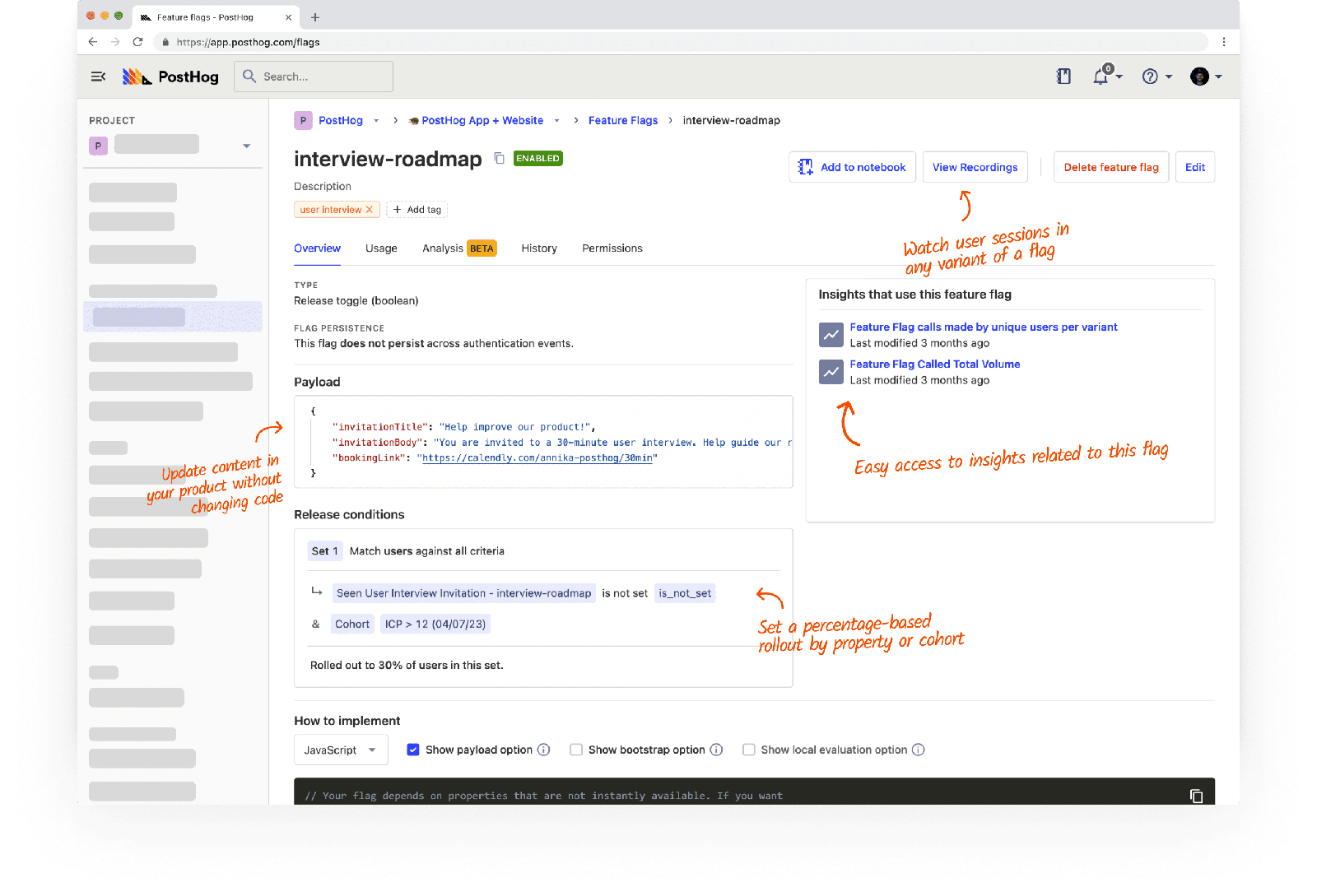
PostHog sells flags as one module inside a much larger product — analytics, session replay, error tracking, surveys, and LLM observability all share the same SDK. For a small team, that bundling is the whole argument: you get flags and the data to evaluate them without integrating two vendors.
The main repository is MIT licensed except the ee/ directory, and PostHog maintains a separate posthog-foss mirror with the proprietary code stripped out for teams that need zero closed components. As of October 2026 the always-free monthly allowance covers 1 million events, 1 million flag requests, 5,000 session replays, 100,000 exceptions, and 1,500 survey responses. PostHog states 600,000-plus companies use the product.
Best for: Startups and product teams who want flags, experiments, and the analytics to judge them in one tool.
Pros
- Core is MIT licensed, with a dedicated FOSS mirror repo for deployments that cannot include proprietary code.
- Free monthly allowance spans every product, including 1 million flag requests, before any billing starts.
- Flags, experiments, replay, and error tracking share one SDK, so there is no second integration to maintain.
Cons
- The self-hosted open-source deploy is realistically capped around 100,000 events per month with no official support, which pushes serious usage to Cloud.
- The
ee/directory is separately licensed, so "open source" does not cover the enterprise surface. - Usage-based billing runs across many independent meters, making total cost harder to forecast than a flat per-seat price.
3. Unleash
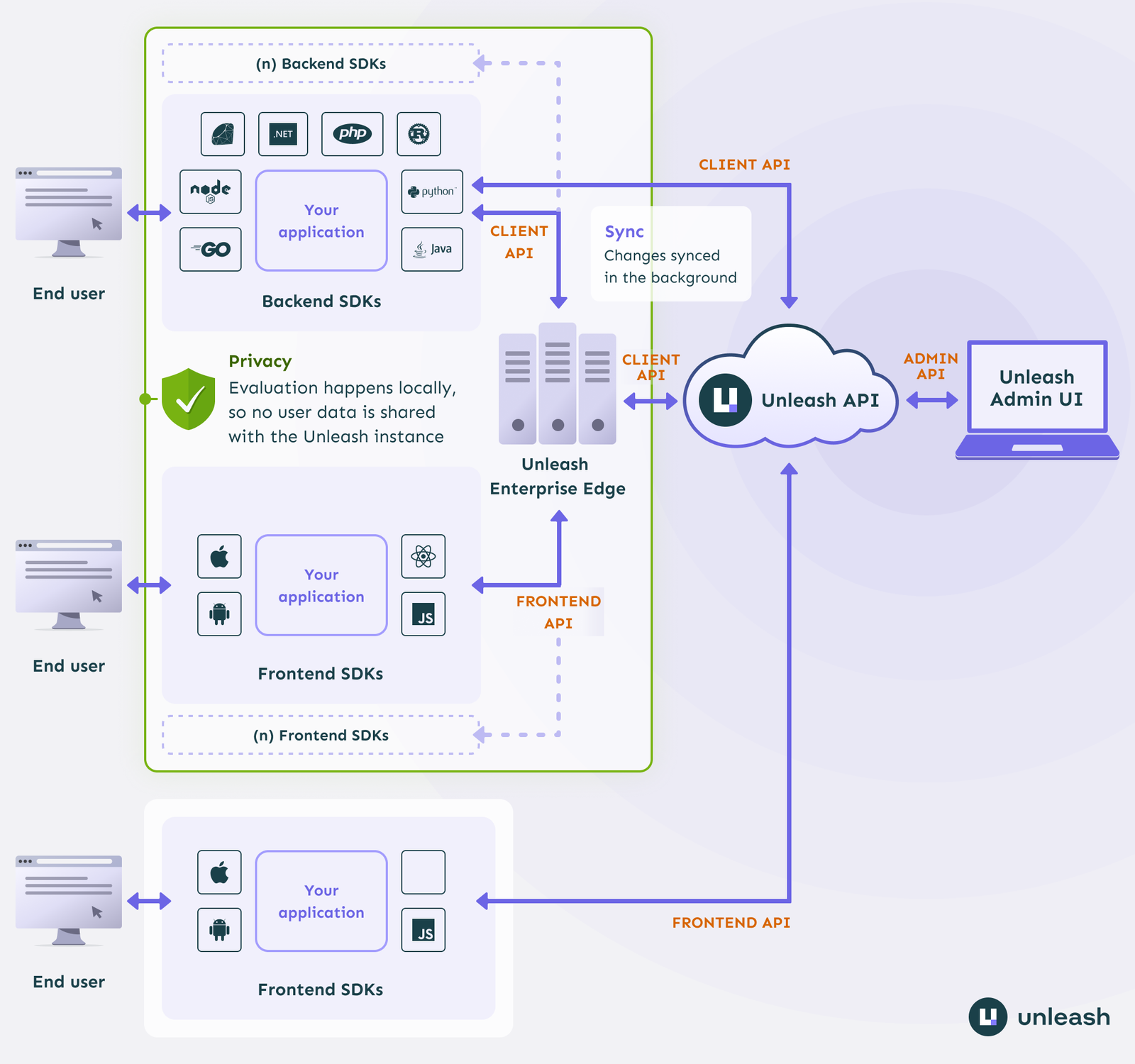
Unleash is the open-source default for teams that want flags running on their own infrastructure without a usage meter. Its activation-strategy model — gradual rollout, canary, user-ID lists, custom constraints — is the most explicit of any tool here, and Unleash Edge lets edge evaluation scale independently of the core server. Unleash states 13,900 GitHub stars on its pricing page, and its GitHub README names Finn.no, NAV, Otovo, and Amedia as open-source users.
One change to know about: the core moved from Apache-2.0 to AGPL-3.0-or-later at version 8.0.0, though the official Docker images remain Apache-2.0. If your legal team has a copyleft policy, check it before you deploy.
Best for: Platform teams that want to self-host flags in production at no license cost and accept managing the server.
Pros
- Self-hosted core is free to run in production under an open license, with no request or seat meter.
- 15 official SDKs plus more than 15 community-maintained ones, covering most runtimes.
- Unleash Edge decouples edge flag evaluation from the core server, so read scale does not require scaling the control plane.
Cons
- RBAC, SSO, additional environments, SCIM, and advanced segmentation are paid-tier-only and absent from the open-source core.
- The open-source build of Unleash Edge reaches end of life on 31 December 2026, forcing a migration for self-hosted edge users.
- The licence shift from permissive Apache-2.0 to copyleft AGPL-3.0-or-later imposes stricter obligations on some commercial self-hosters.
4. Statsig
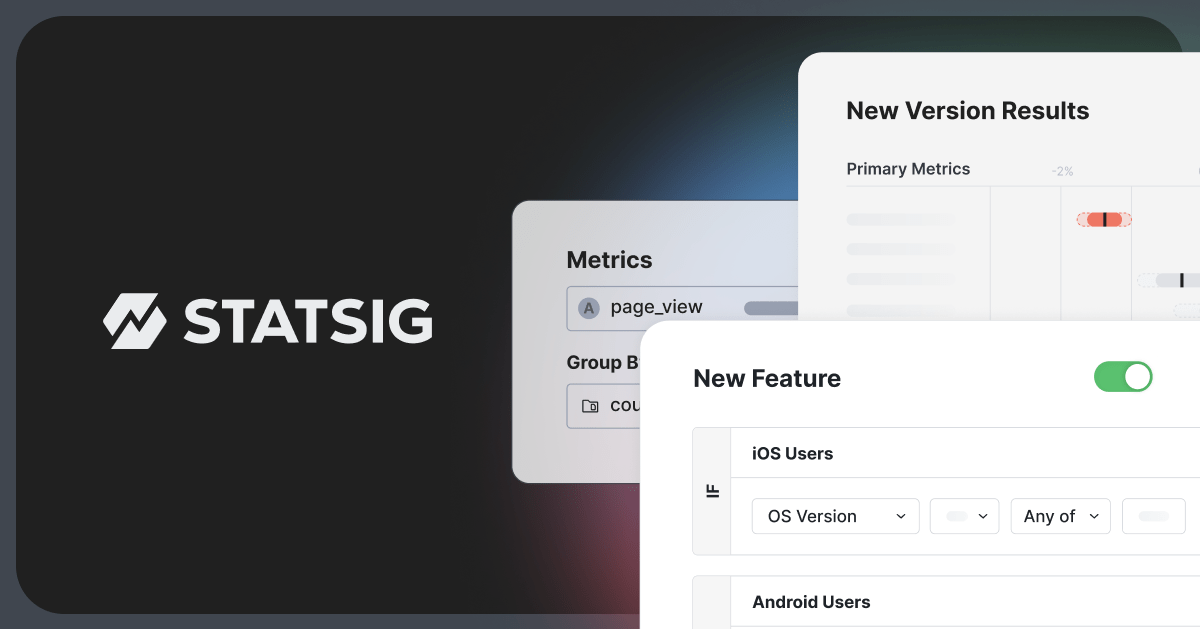
Statsig unifies flags, experimentation, and product analytics behind a single SDK, and it ships a real statistics engine — CUPED variance reduction, sequential testing, Bayesian analysis — in the core product rather than as a premium add-on. There is also a warehouse-native deployment option that runs the analysis against your own Snowflake, BigQuery, or Databricks instead of duplicating your event stream. Pricing as of October 2026: a free tier with 2 million events and 50,000 session replays per month, then Pro at $150/month with $0.05 per 1,000 events in overage.
The ownership situation is genuinely unusual and worth understanding before you sign. OpenAI announced an acquisition of Statsig's team and technology in September 2025. Separately, Amplitude acquired Statsig's customer contracts, order backlog, and the Statsig trade name under an asset purchase agreement effective 1 May 2026, per Amplitude's own SEC filings. Statsig is still sold as a standalone product, but the brand and customer relationships now sit with Amplitude while the founding team sits with OpenAI.
Best for: Product and growth teams that run real experiments and want the stats engine included.
Pros
- One SDK covers flags, experiments, and analytics, removing a second integration and a second event pipeline.
- CUPED and sequential testing are in the core product, not reserved for an enterprise tier.
- Warehouse-native option keeps event data inside your own warehouse rather than exporting it to the vendor.
Cons
- The 2025–2026 split — technology to OpenAI, brand and contracts to Amplitude — raises real roadmap and support-continuity questions.
- Per-event overage billing above the free tier is hard to forecast for spiky workloads.
- No self-hostable backend; only the client SDKs are open source.
5. GrowthBook
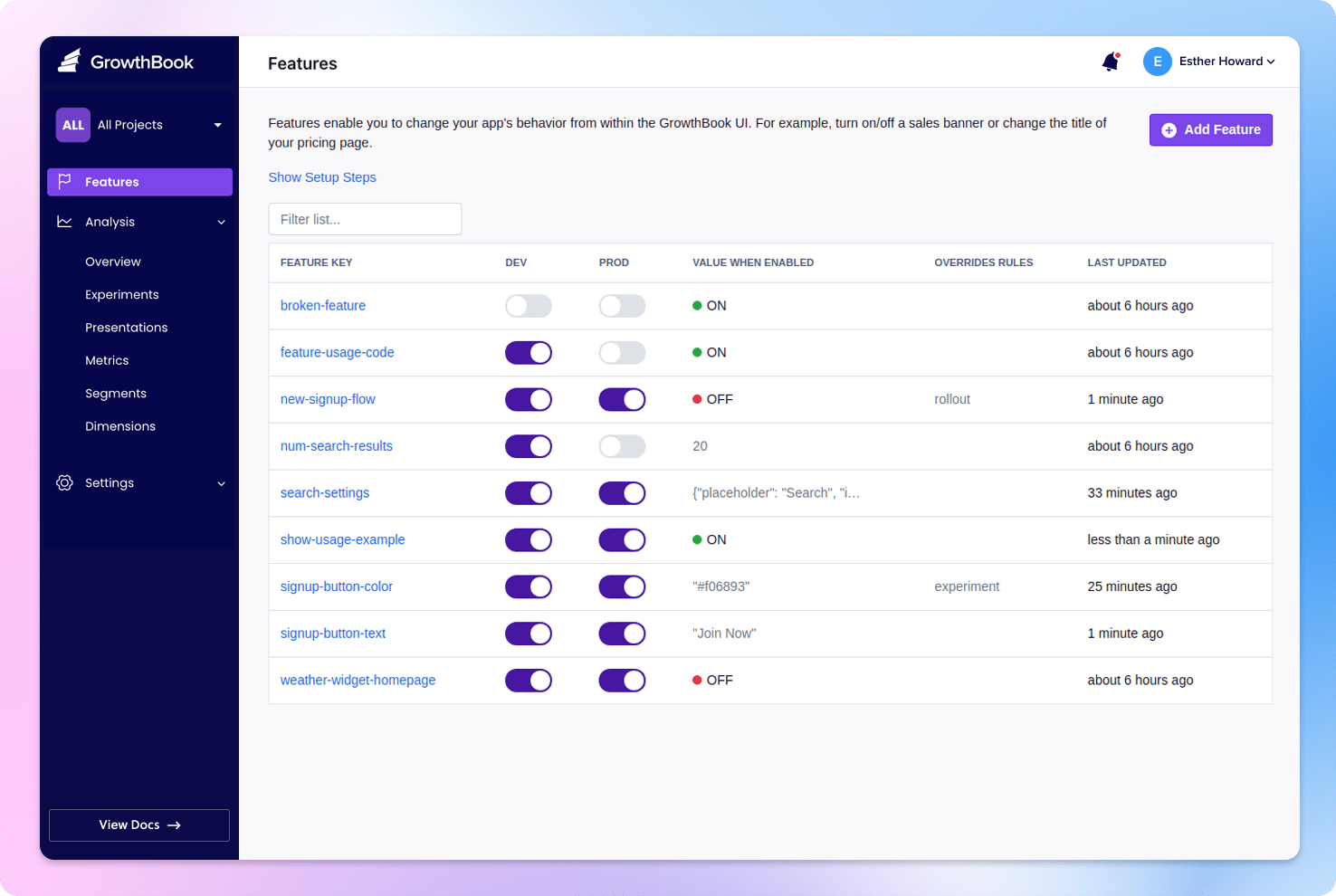
GrowthBook's distinguishing choice is warehouse-native architecture: instead of ingesting your events, it connects to one of 11 supported warehouses — BigQuery, Snowflake, Databricks, Redshift, ClickHouse and others — and runs experiment queries there. If you already have a clean event table, that removes an entire duplicate pipeline. It ships 24 SDKs, a full stats engine (CUPED, sequential testing, Bayesian, bandits, sample-ratio-mismatch checks), and an MCP server for agent-driven flag management.
Pricing observed October 2026: a free Starter tier with 3 users, 1 project, unlimited flags, 1 million managed warehouse events and 1 million CDN requests per month, with Google-only SSO. Pro is $40/seat/month for 30 users and 3 projects, with overage at $30 per million warehouse events and $10 per million CDN requests. GrowthBook states 3,000-plus companies use it and names Sony, Dropbox, Wikimedia, Mistral AI, Khan Academy, and ClickUp among them.
Best for: Data-mature teams that already run a warehouse and want experimentation to query it directly.
Pros
- Queries your own warehouse directly, so experiment data never needs a second copy outside your infrastructure.
- Free self-hosted open-source tier has unlimited users per the vendor's own FAQ, rather than a capped trial.
- The complete stats engine — CUPED, sequential, Bayesian, bandits — is available at the $40/seat Pro tier, not gated to Enterprise.
Cons
- SAML/OIDC SSO, SCIM, custom roles, audit logs, and approval workflows are Enterprise-only even on self-hosted deployments.
- Metered overage on warehouse events, CDN requests, and bandwidth stacks on top of the per-seat fee.
- Non-Google SSO is unavailable on Pro, which is a hard blocker for some security reviews.
6. Flagsmith
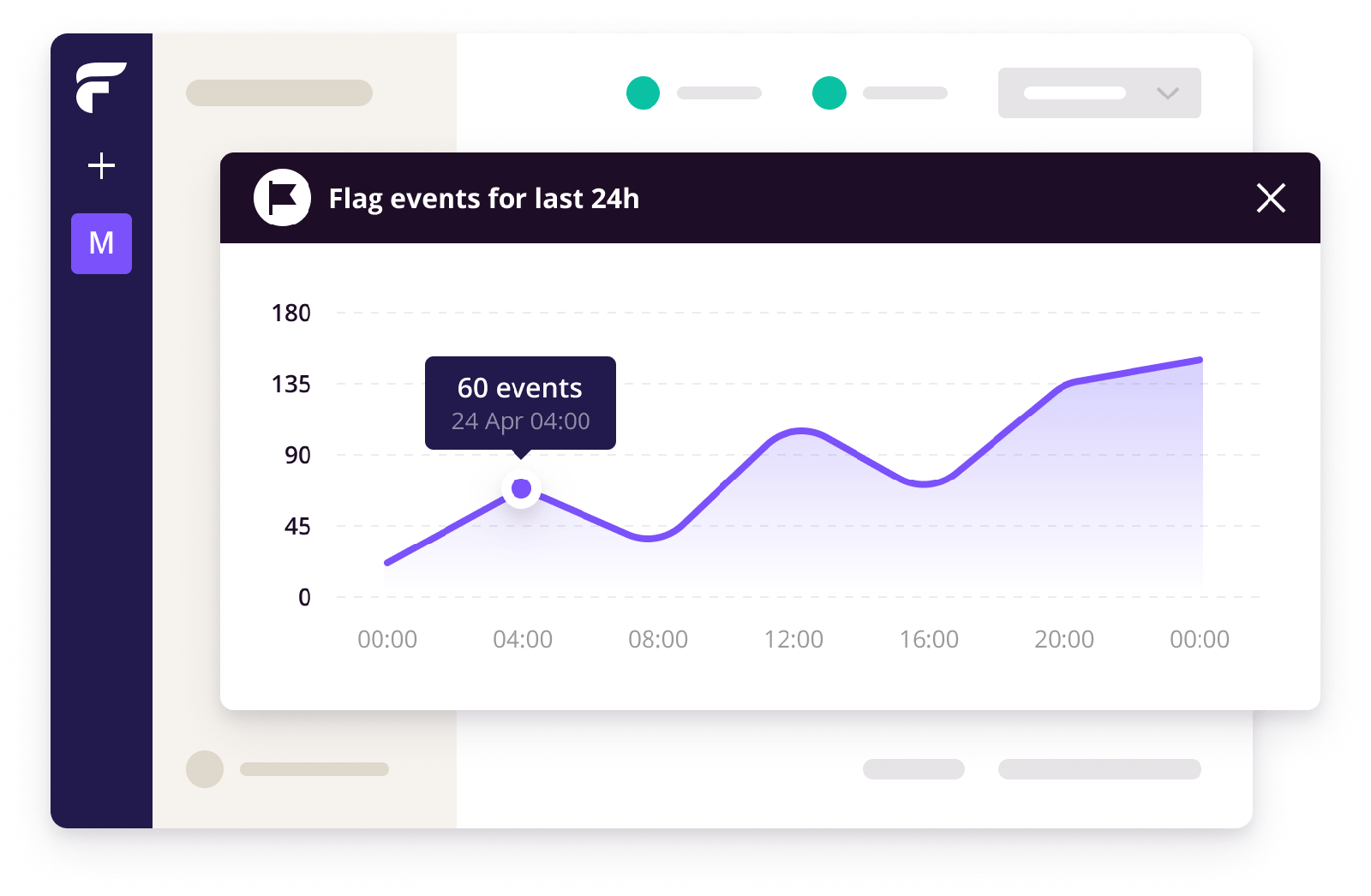
Flagsmith covers flags, remote config, segmentation, and A/B and multivariate testing, and it runs identically as SaaS, private cloud, or fully self-hosted — same product, no re-architecting if you move between them. Its Edge API and Edge Proxy handle low-latency evaluation, and it ships an OpenFeature provider, which matters if you want to avoid SDK lock-in. The core is BSD-3-Clause licensed, with some repositories under MIT.
Its published customer list leans toward regulated industries: Komerční Banka, Citi, Okta, Ford, Sunrun, Creditas, and Wistia appear on its open-source page. Komerční Banka's testimonial notes it evaluated LaunchDarkly, Flagsmith, and an in-house build before choosing Flagsmith — a useful signal about where the product competes.
Best for: Banking, healthcare, and other teams that need a private deployment with an enterprise governance path.
Pros
- BSD-3-Clause core covers flags, segments, targeting, remote config, and multivariate flags with no artificial request limit when self-hosted.
- Ships an OpenFeature provider, reducing the cost of switching vendors later.
- The same codebase runs as SaaS, private cloud, or self-hosted, so a compliance-driven migration does not mean replatforming.
Cons
- Audit logs, RBAC, SAML/SSO, and change-request approval workflows are paid-only and excluded from the open-source build.
- Self-serve and enterprise pricing figures were not clearly published at the time of writing, so budget planning needs a sales conversation.
- The MCP server integration is SaaS-only today, with self-hosted and private cloud support listed as pending — a current gap for self-hosters.
7. ConfigCat
ConfigCat makes one structural decision that sets it apart: it bills by CDN config-JSON downloads, not by monthly active users, seats, or events. SDKs fetch and cache a config file, then evaluate flags entirely locally, and ConfigCat meters only the downloads. Every tier — including the free one — comes with unlimited seats and unlimited MAUs.
Pricing as of October 2026: Free gives 5 million config downloads and 20GB of traffic per month with 10 flags across 2 environments. Pro is $110/month for 25 million downloads and 100 flags. Smart is $325/month for 250 million downloads and unlimited flags. Enterprise is $900/month for 1 billion downloads with SSO, SAML, SCIM, and a 99.99% SLA. A dedicated private instance runs $4,500/month. The company holds ISO 27001:2022 certification.
Best for: Teams with large user bases and small engineering headcounts, where per-seat or per-MAU pricing is the problem.
Pros
- Billing by config downloads means unlimited seats and unlimited MAUs on every plan, including free.
- The free plan carries the full feature set; only the usage limits differ from paid tiers.
- ISO 27001:2022 certified with a 99.99% SLA available below the top tier.
Cons
- Not open source, and there is no free community edition — private deployment starts at the $4,500/month Dedicated tier.
- SSO, SAML, and SCIM require the $900/month Enterprise plan.
- Audit log retention is 7 days on Free and 35 days on Pro and Smart, versus 2 years on Enterprise — short for anyone with a compliance requirement.
How to choose
You need flags on your own infrastructure, free. Self-hosted Unleash or PostHog. Unleash if flags are the point; PostHog if you also want analytics and replay. Check the AGPL-3.0 terms on Unleash's core first.
You have millions of users and a small team. ConfigCat. Download-based metering with unlimited seats is the cheapest structure at that shape, and it is the only vendor here that prices a 1-billion-download tier publicly.
You run real experiments, not just rollouts. GrowthBook if you already have a warehouse and want queries to run there. Statsig if you want the whole thing in one SDK — but read the ownership section first.
You are in a regulated industry. Flagsmith. Same product across SaaS, private cloud, and self-hosted, plus an OpenFeature provider so you are not locked to one SDK.
You are a large enterprise with a procurement process and a support requirement. LaunchDarkly. It is the most complete product and the most expensive, and the lack of a self-hosted option is the thing to test against your data-residency rules early.
Avoid picking on free-tier generosity alone. The meters that matter at scale — MAU, events, CDN requests — are the ones that differ most between these vendors, and the cheapest free tier is frequently not the cheapest production bill.
If you are building the deployment pipeline these flags sit inside, our roundups of CI/CD tools and internal developer platforms cover the adjacent layers. For measuring what a rollout actually did to your service, see observability and APM tools.
Frequently Asked Questions
What are feature flags?
Feature flags are conditional switches in your code that let you enable or disable functionality at runtime without deploying new code. They separate release from deploy, so you can ship a feature dark, turn it on for a small percentage of users, and roll it back instantly if something breaks.
How do feature flags work?
An SDK in your application fetches flag configuration from a server or CDN and caches it locally. When your code calls the flag, the SDK evaluates targeting rules — user ID, segment, percentage rollout — against that cached config and returns a value. Most platforms support local evaluation to avoid a network call per check.
How do you implement feature flags?
Install the vendor's SDK, create a flag in their dashboard, then wrap the new code path in a conditional check against that flag. Start with a kill switch on one low-risk feature. Add a removal date to each flag when you create it; stale flags are the main long-term cost of this pattern.
What's a good feature flag tool for startups?
PostHog or ConfigCat. PostHog's free tier includes 1 million flag requests per month alongside analytics and session replay. ConfigCat's free tier gives 5 million config downloads with unlimited seats. Self-hosted Unleash is free with no usage cap if you are willing to run the server.
When should you use feature flags?
Use them for gradual rollouts of risky changes, kill switches on external dependencies, A/B tests, and shipping incomplete work behind a switch on a trunk-based workflow. Avoid them for permanent configuration or entitlements — those belong in your config system or billing logic, not a flag platform.
Editor's note — sources: LaunchDarkly, PostHog, Unleash, Statsig, GrowthBook, Flagsmith and ConfigCat product, documentation and pricing pages (observed October 2026); Unleash and PostHog GitHub repositories and licence files; Amplitude SEC filings covering the Statsig asset purchase agreement effective 1 May 2026; Harness announcement of the completed Split Software acquisition. Pricing and feature claims are as of October 2026 and change frequently — verify current figures with the vendor before committing.